References
See the files a document depends on - an assembly's parts, a drawing's model - as an interactive graph.
Inventor documents point at other files: an assembly references its parts and sub-assemblies, a drawing references the model it documents. The References tab draws those relationships as a graph you can explore.
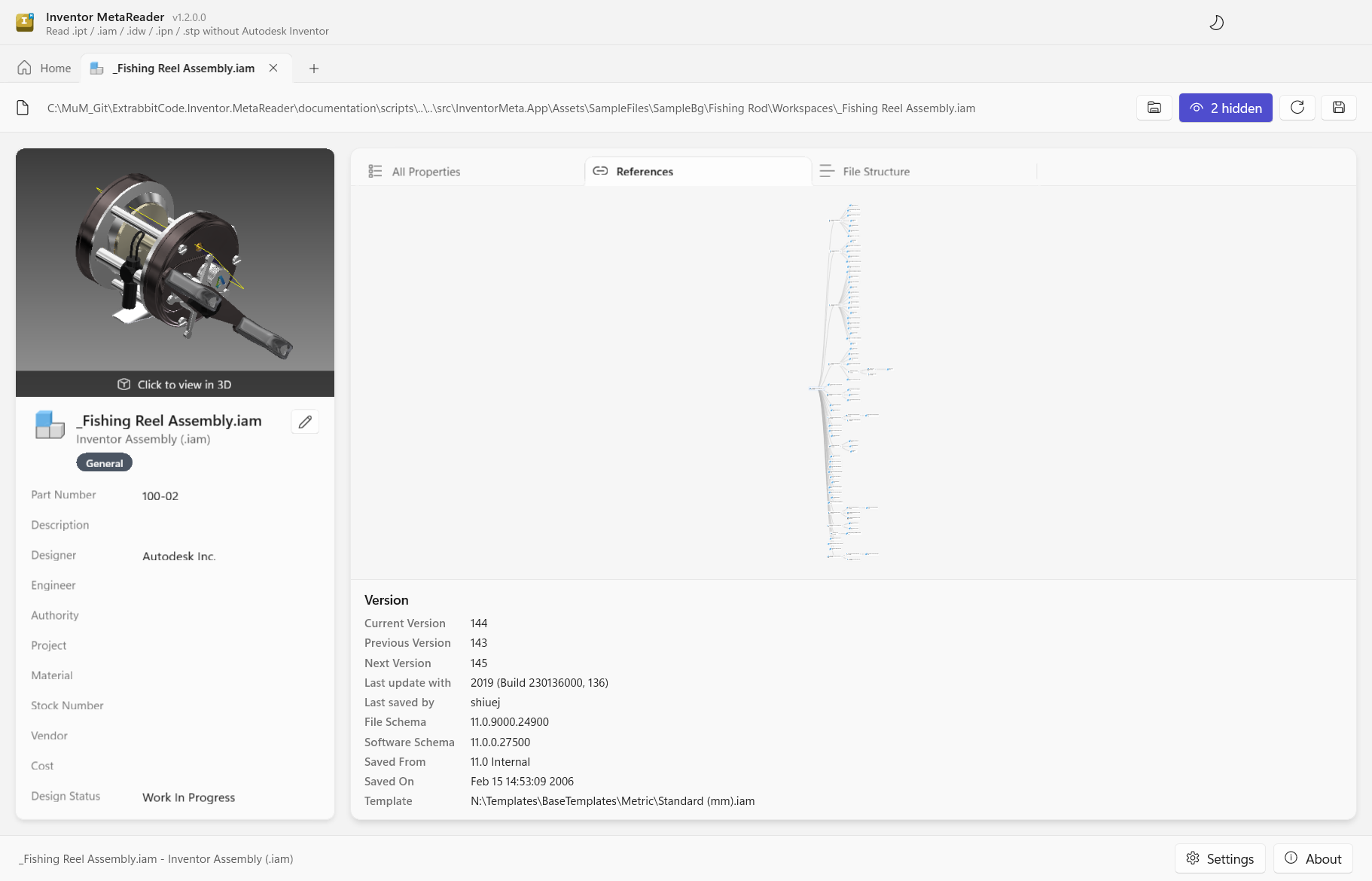
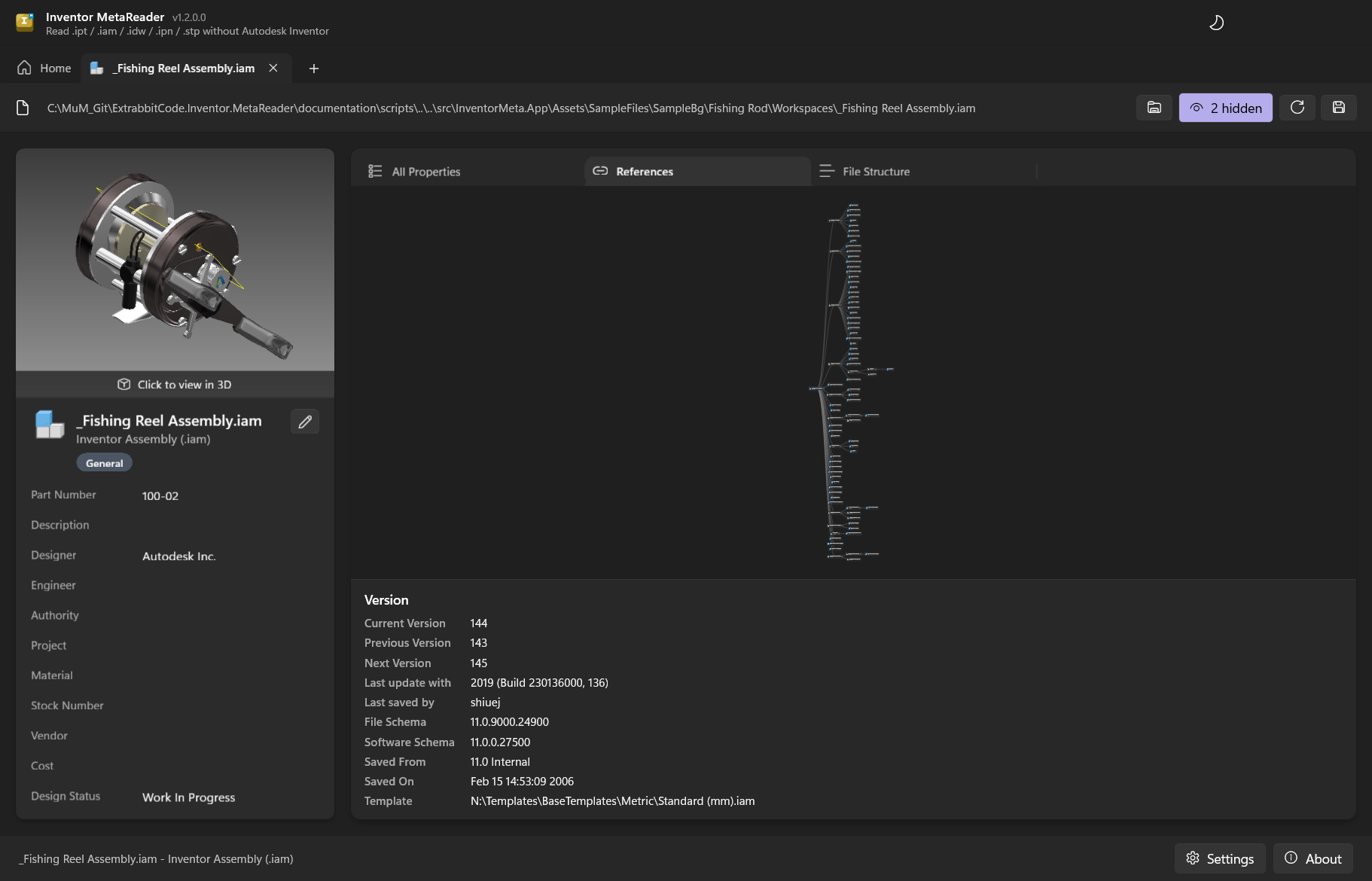
Exploring the graph
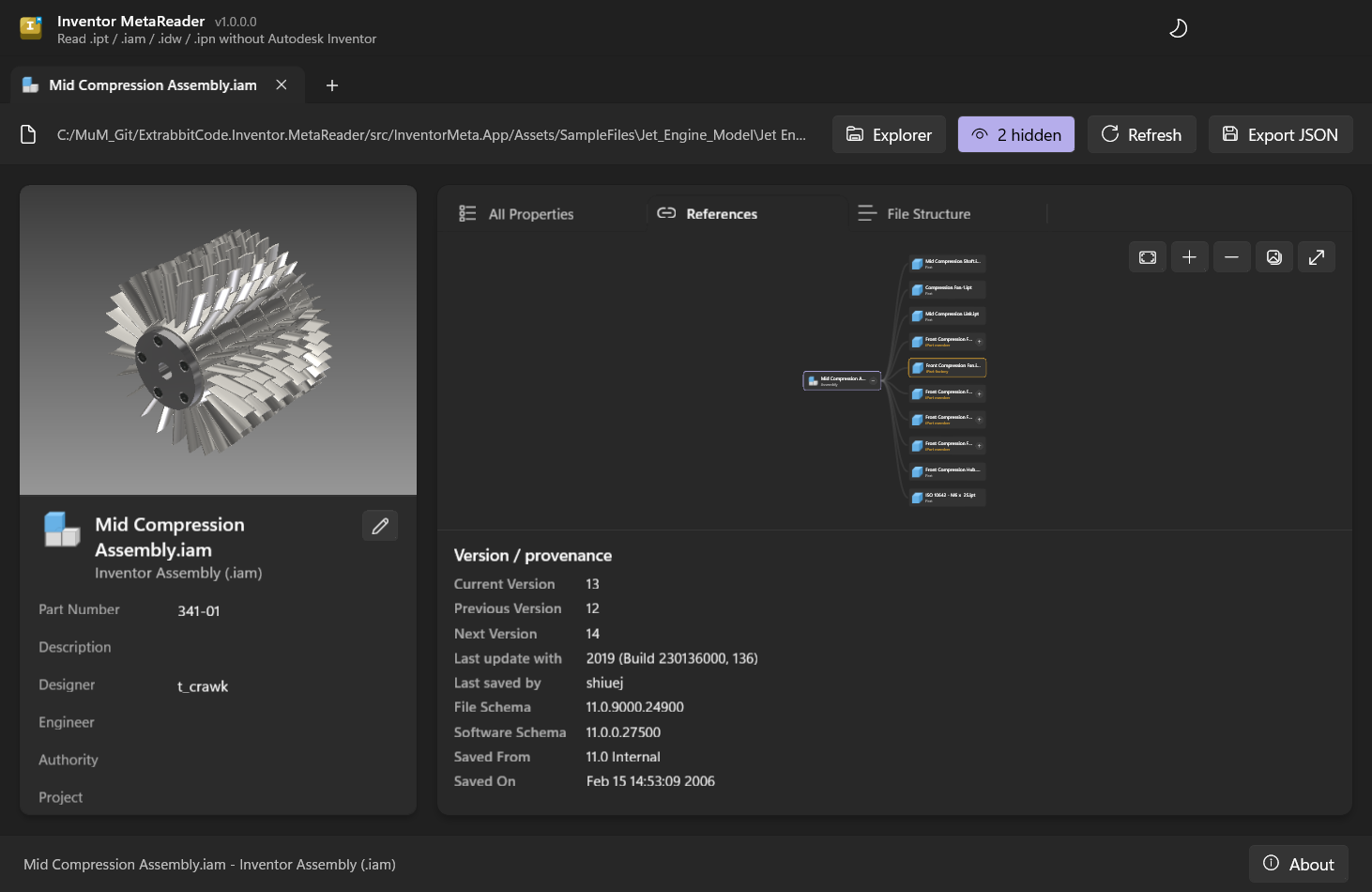
Each node is a referenced file, drawn as a card with its type icon, name and a short label.
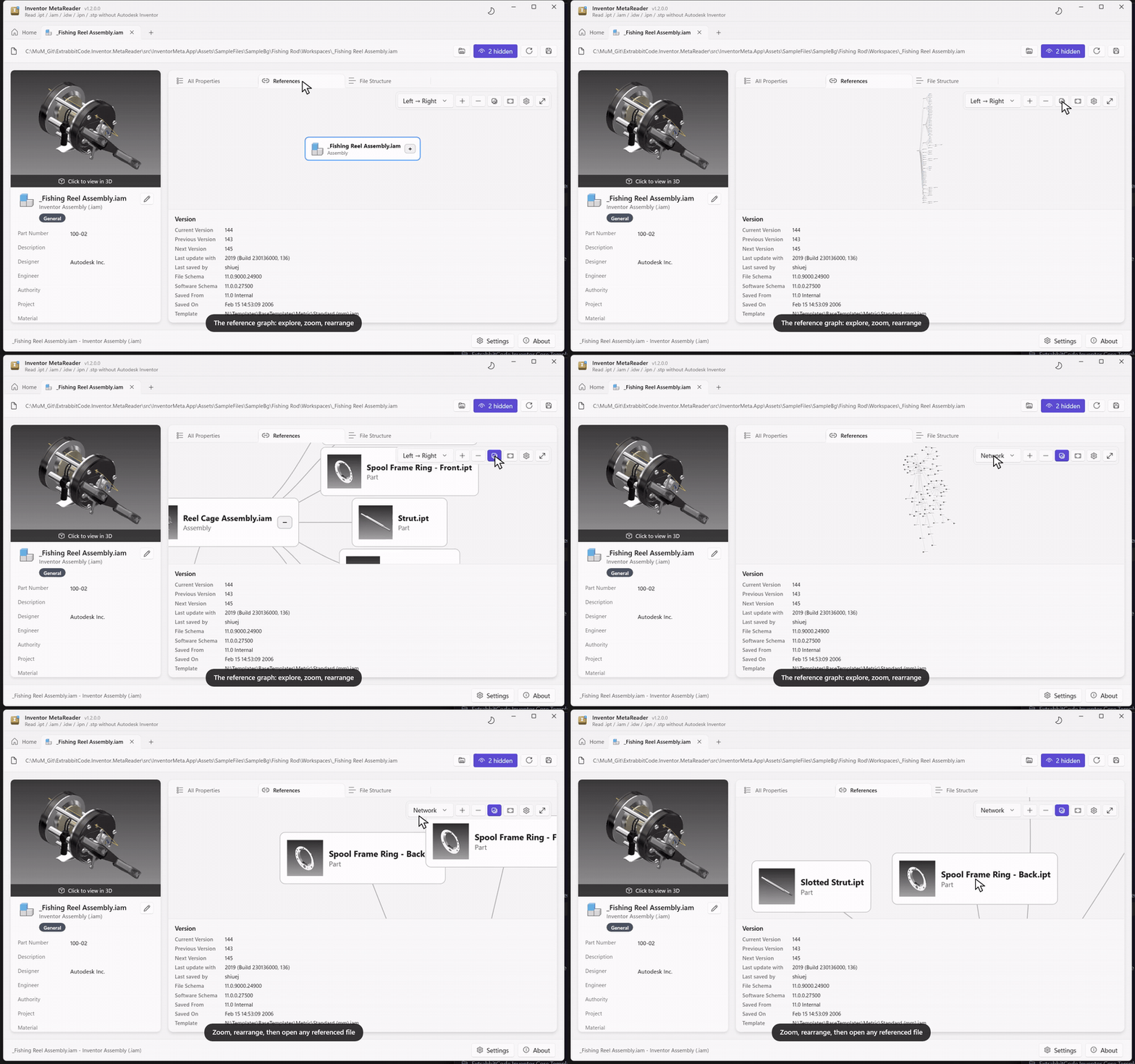
- Click a node to expand or collapse its children - the + / − badge shows when there's more to reveal. Newly revealed nodes fade in.
- Double-click a node to open that document in its own tab and keep drilling down.
- Drag a node to reposition it, drag the background to pan, and scroll to zoom.
- The toolbar floating in the graph's top-right corner has (hover for names): the layout picker (see below), Expand all / Collapse all, Show thumbnails to draw each node with its preview image, Fit to frame the whole graph, a cogwheel for graph options, and Fullscreen (Esc exits).
MetaReader resolves each reference on disk - first next to the parent file, then by name anywhere in the project folder - so a project that's been copied or reorganized still maps correctly. A file that can't be found is still shown, marked as not found.
Layouts
Choose how the graph is arranged from the layout dropdown in the toolbar. The choice is remembered, and you can set what new graphs open with under Settings → Reference graph → Default layout:
- Left → Right - a tidy tree growing rightward: the opened document on the left, each level of references in the next column. Best for following the hierarchy.
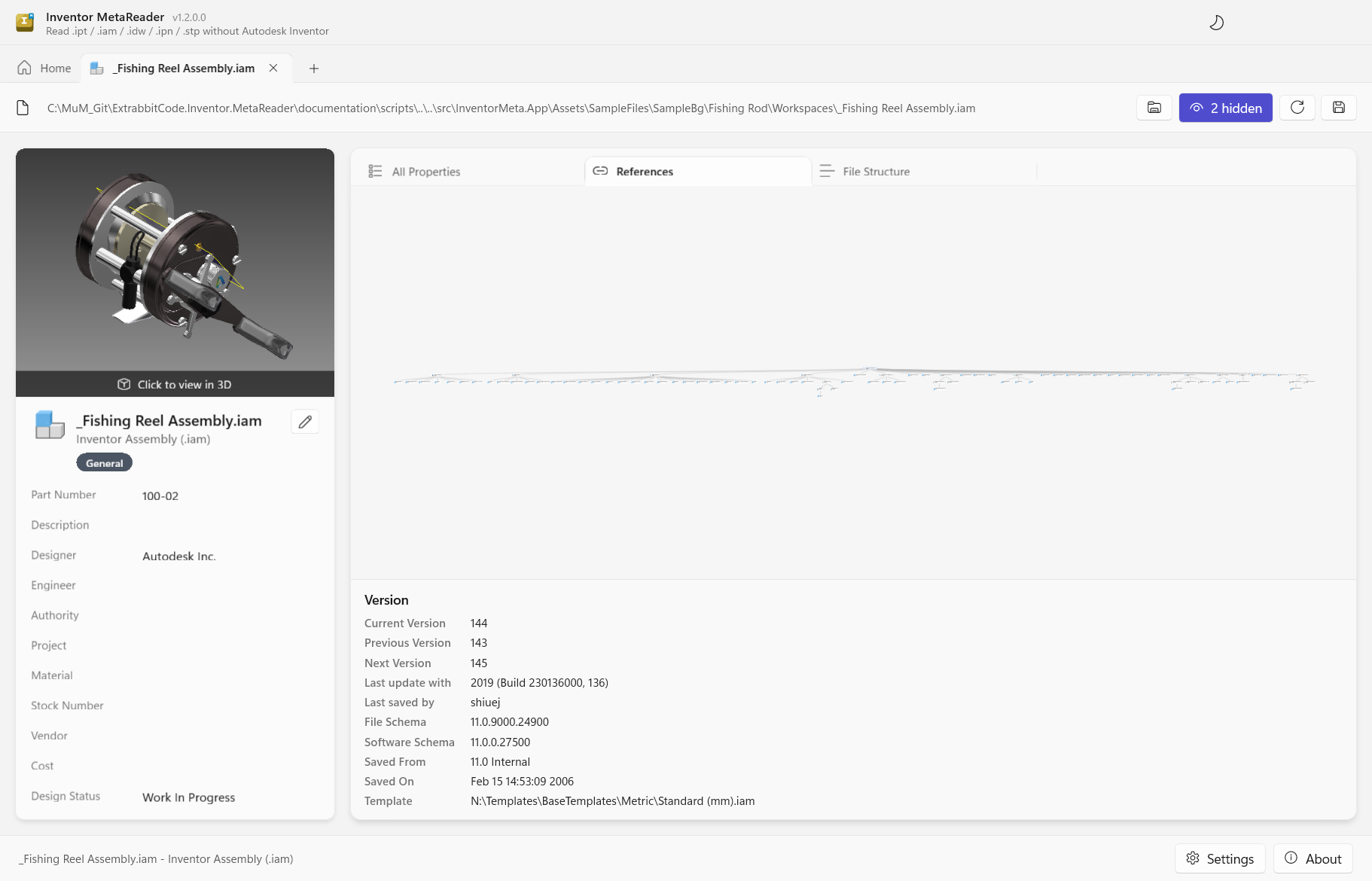
- Top → Bottom - the same tidy tree, growing downward instead.
- Network - an organic, force-directed layout where nodes push each other apart and references pull them together. Drag a node and the rest settle around it - good for getting a feel of a busy assembly at a glance.
In Network mode the graph keeps your current view as you expand and collapse (it only re-frames on the first open and when you switch layout) - press Fit any time to re-center everything.
All three, live - expanding the graph and switching layouts:
The same assembly in Top → Bottom and Network:
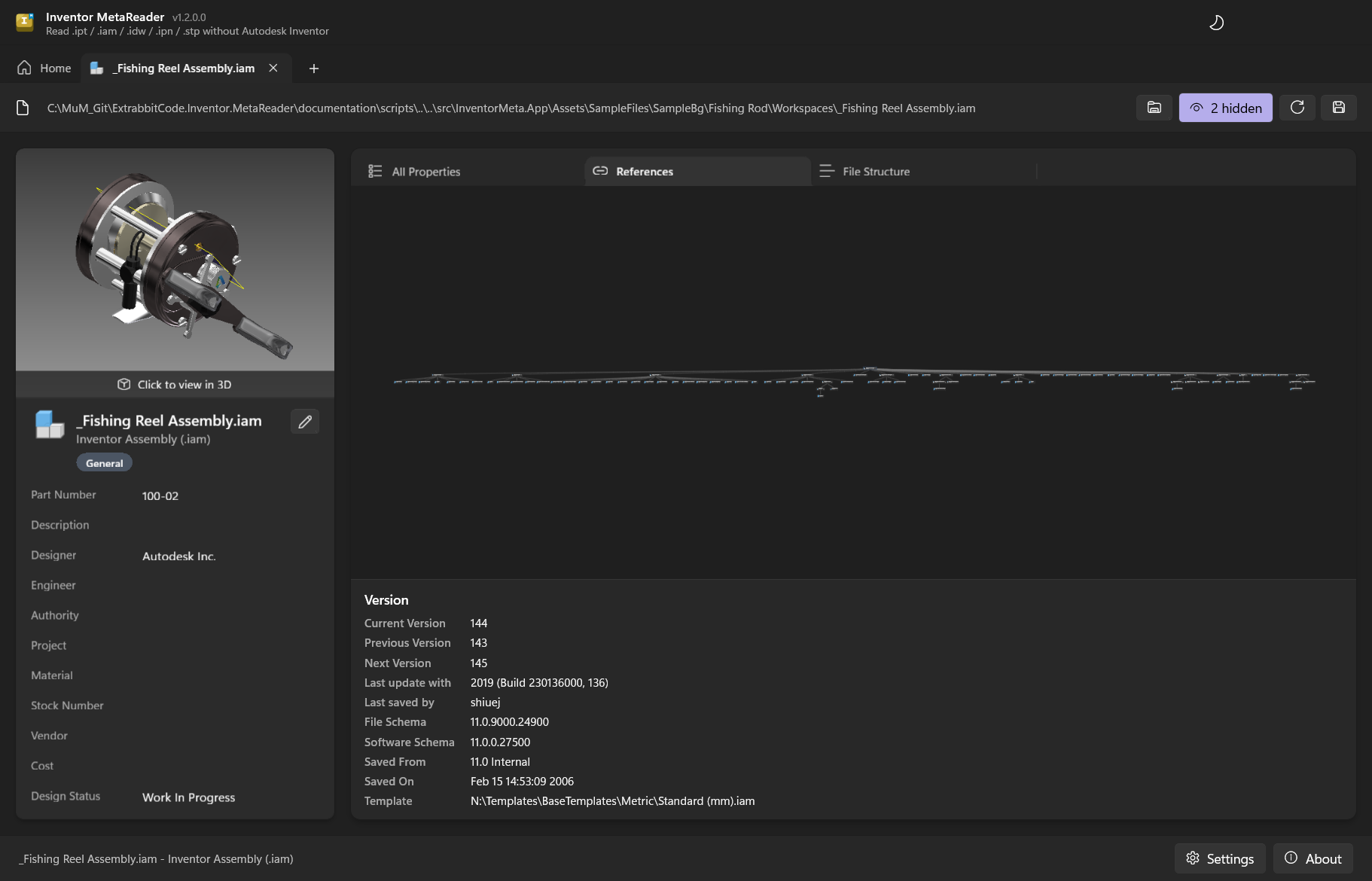
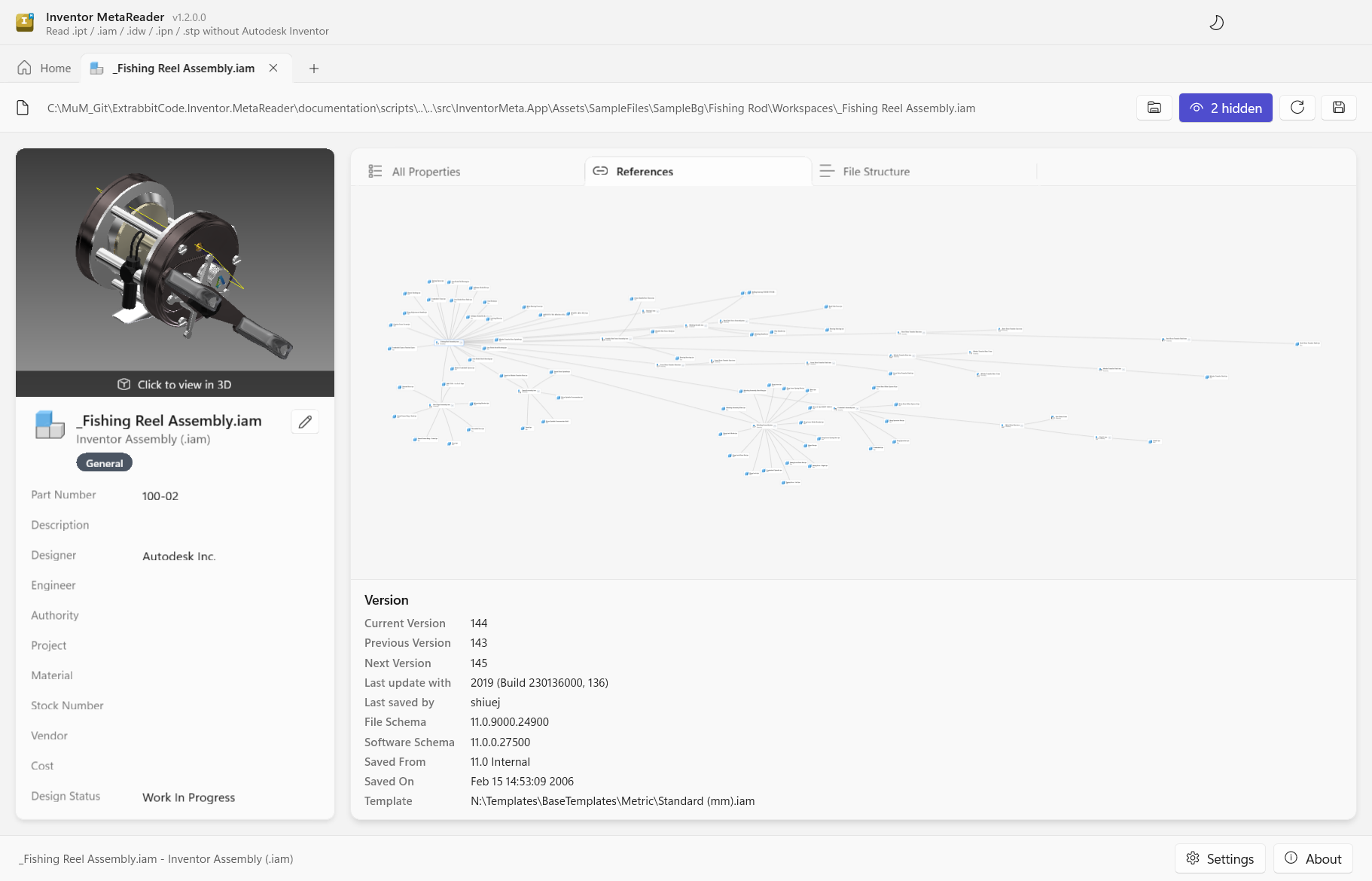
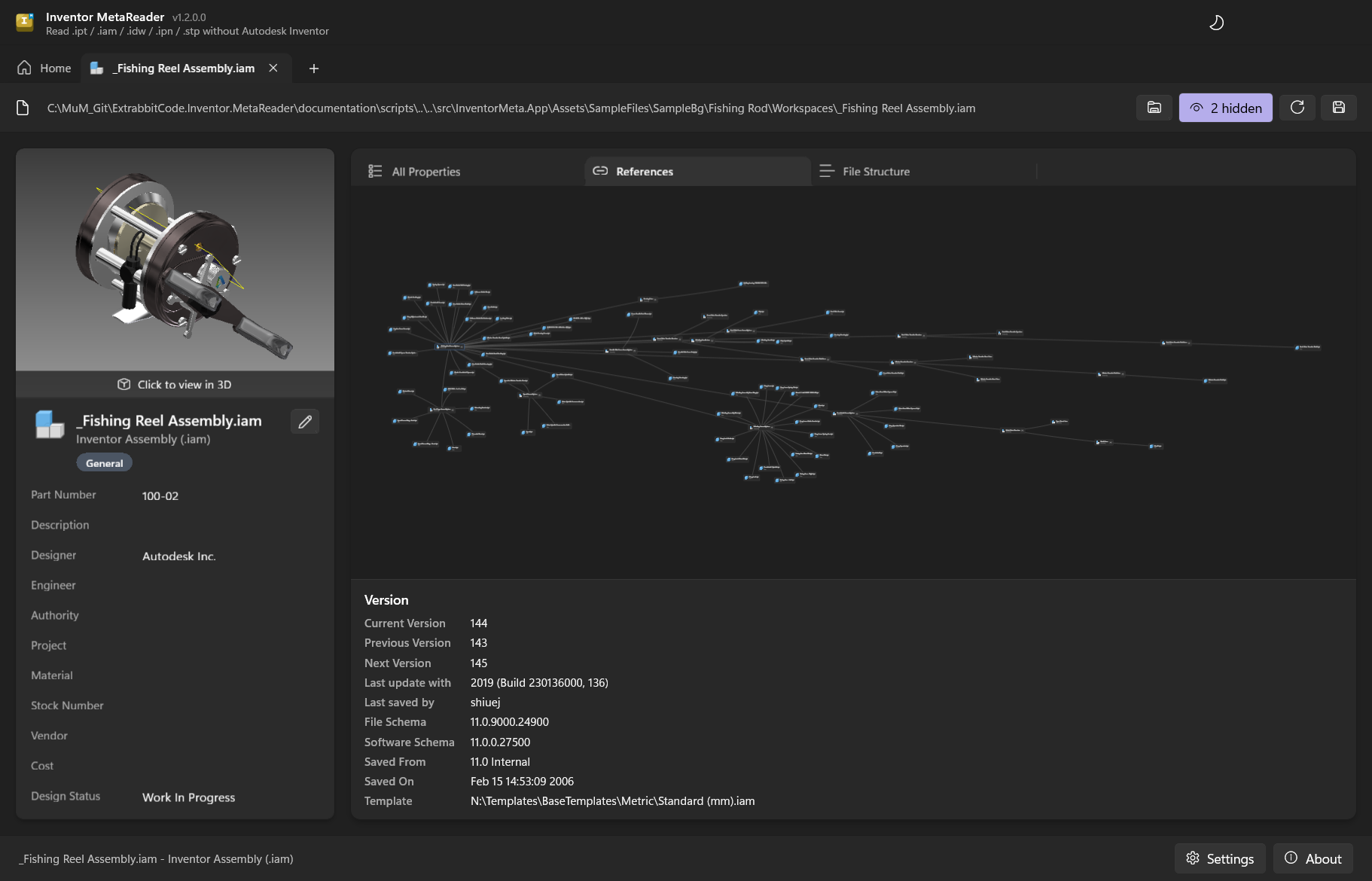
Fine-tuning the network layout
The cogwheel in the toolbar opens Graph options, for tuning the force-directed Network layout (and the node fade-in). Sliders apply live and are saved between sessions:
- Fade-in - how long newly revealed nodes take to fade in.
- Repulsion - how strongly nodes push each other apart.
- Central gravity - how strongly the whole graph is pulled toward the centre (keeps it compact).
- Link length - the resting distance along a reference.
- Link stiffness - how rigidly references hold that distance.
- Damping - how quickly motion settles.
- Avoid overlap - extra spacing so cards don't sit on top of one another.
Reset to defaults restores the original values. The physics sliders only affect the Network layout; Fade-in applies to every layout.
iParts: factory & members
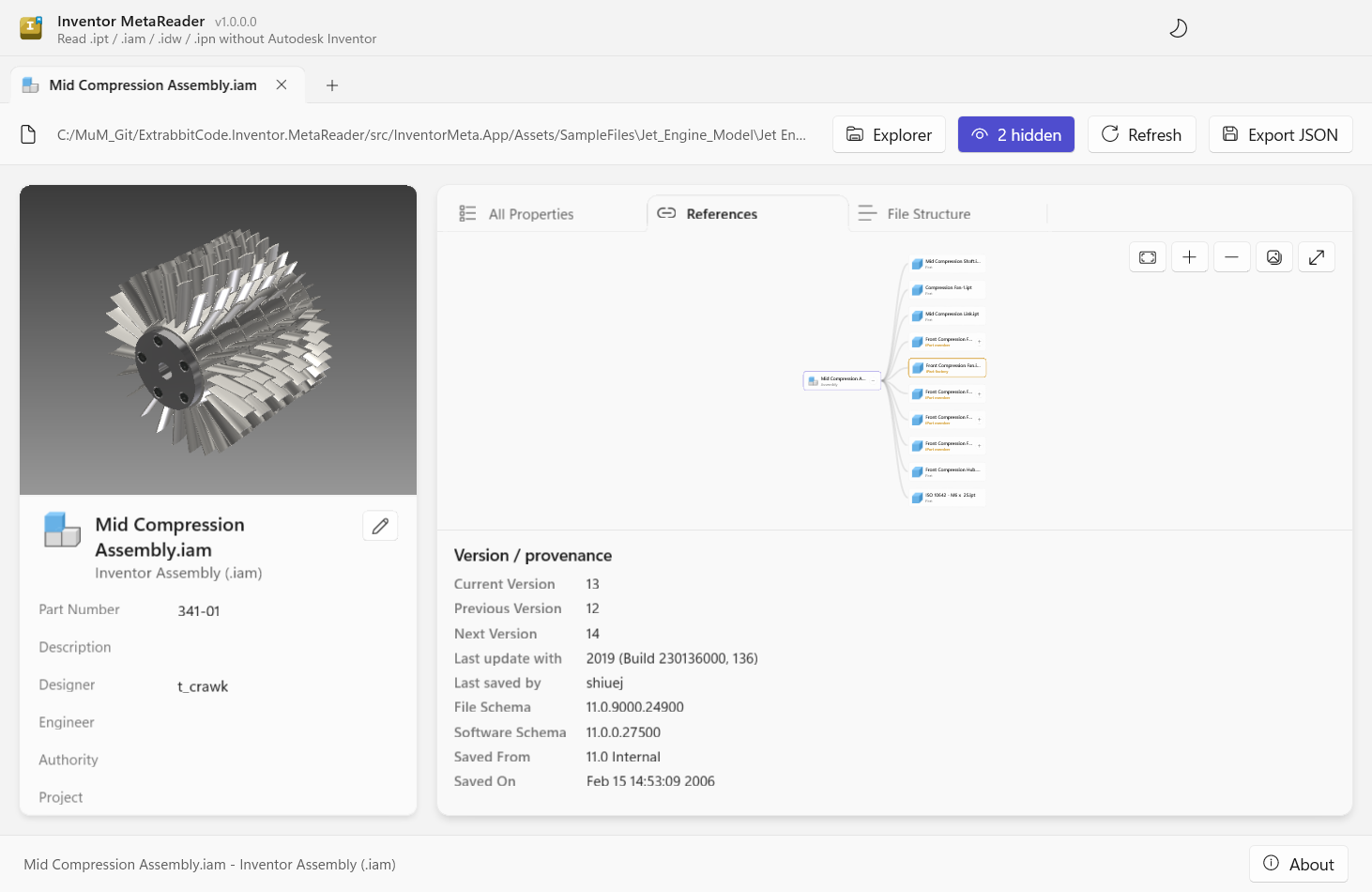
An iPart is a single part - the factory - that generates many configured members from a table; in an assembly each placed member references its factory. MetaReader recognizes both and highlights them in the graph:
- iPart members carry a gold "iPart member" label.
- Their shared iPart factory is drawn with a gold border and an "iPart factory" label, wherever it appears.
This makes it easy to tell table-driven copies of a factory apart from standalone parts - for example
a set of Front Compression Fan-01…04 members all pointing at one Front Compression Fan factory.
Version & provenance
Below the graph, the Version / provenance panel collects the same version history Windows Explorer shows on a file's Details tab - Current, Previous and Next Version, who last saved it and with which Inventor build - followed by where the file came from: the Inventor file and software schema, when and from what it was saved, and the originating template. It's a quick way to see what produced a file and roughly which Inventor version touched it last.
Explorer's Created with and Needs Migrating fields aren't shown: Inventor computes them on the fly (from an internal build table and the version opening the file) rather than storing them, so there's no value to read back without Inventor running.