Introduction
Open Autodesk Inventor part, assembly, drawing and presentation files and read everything inside them - without Inventor installed.

Inventor MetaReader lets you open an Autodesk Inventor file - a part (.ipt), assembly (.iam),
drawing (.idw) or presentation (.ipn) - and read everything inside it: who designed it, the
material, the part number, the preview image, the files it references, and much more. It also opens
neutral STEP files (.stp / .step) - header metadata and the 3D model.
The catch most tools have? You need Autodesk Inventor installed to open these files. MetaReader doesn't. It reads the file directly, so you can inspect Inventor documents on any machine - a colleague's laptop, a server - with nothing else installed.
Install from the Microsoft Store
Inventor MetaReader is a small Windows app on the Microsoft Store. Click Get on the listing below and the Store installs it, keeps it up to date automatically, and handles all the code-signing. There's nothing else to set up.
Get it from the Microsoft Store
Requirements: Windows 10 (version 1809 / build 17763) or newer. You do not need Autodesk Inventor, the .NET runtime, or anything else - the Store package is self-contained.
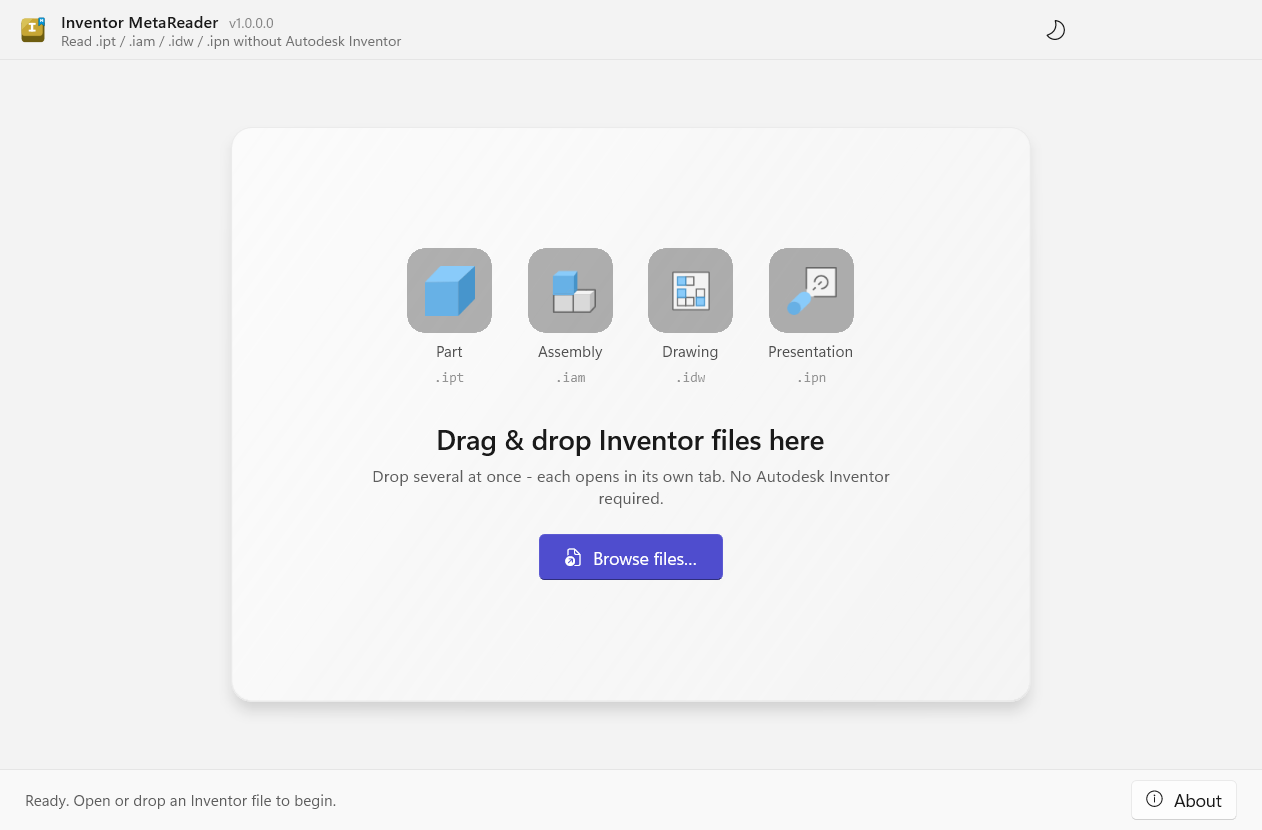
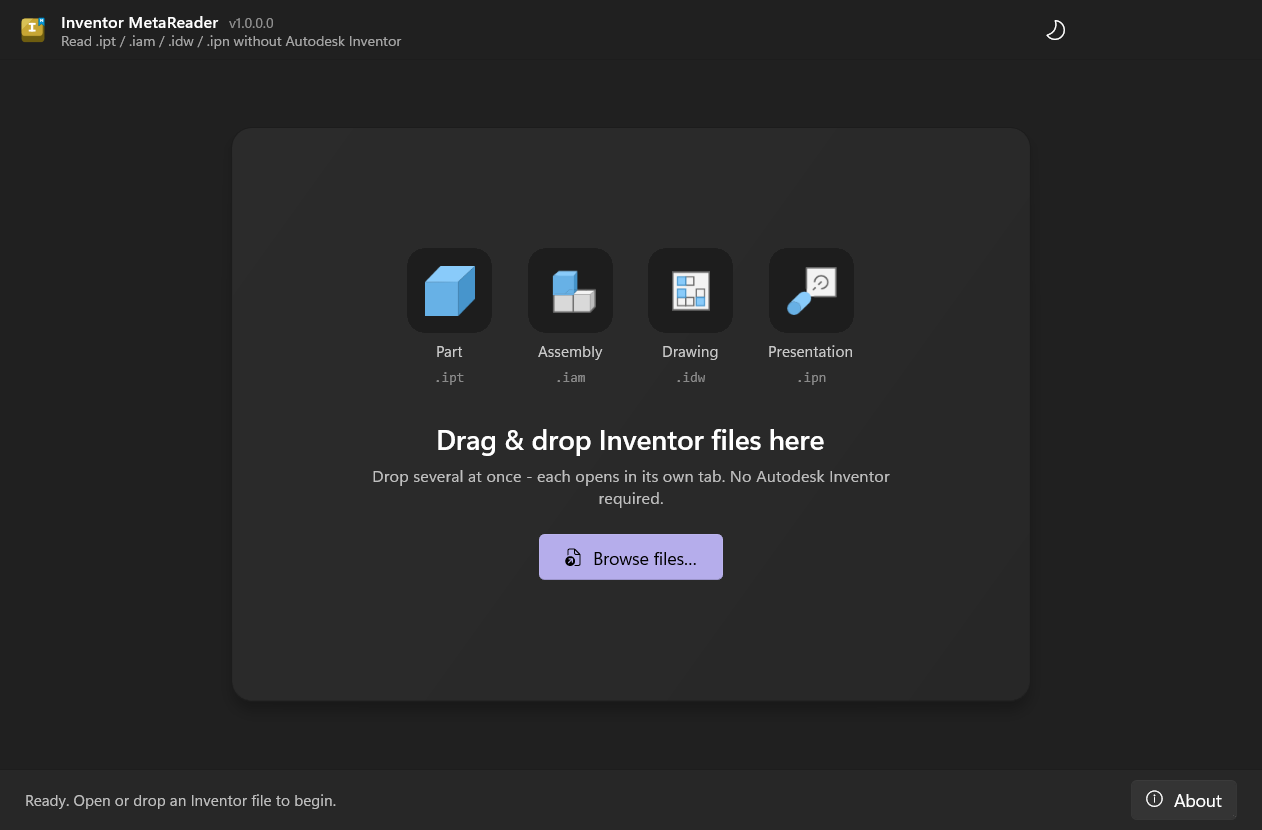
Just drag a file in
Open the app and the Home tab greets you with the drop zone. There are two ways to open a document:
- Drag and drop one or more Inventor files anywhere on the window.
- Click Browse files… and pick them.
Home also keeps a Recent files list, so the documents you opened before are a click away.
Each file opens in its own tab to the right of Home, so you can keep several documents side by side -
you can even drag a tab out into its own window to compare two files at once. Home stays pinned on
the left, so the welcome screen and your recents are always one click away. Supported types: parts
(.ipt), assemblies (.iam), drawings (.idw), presentations (.ipn) and STEP files
(.stp / .step).
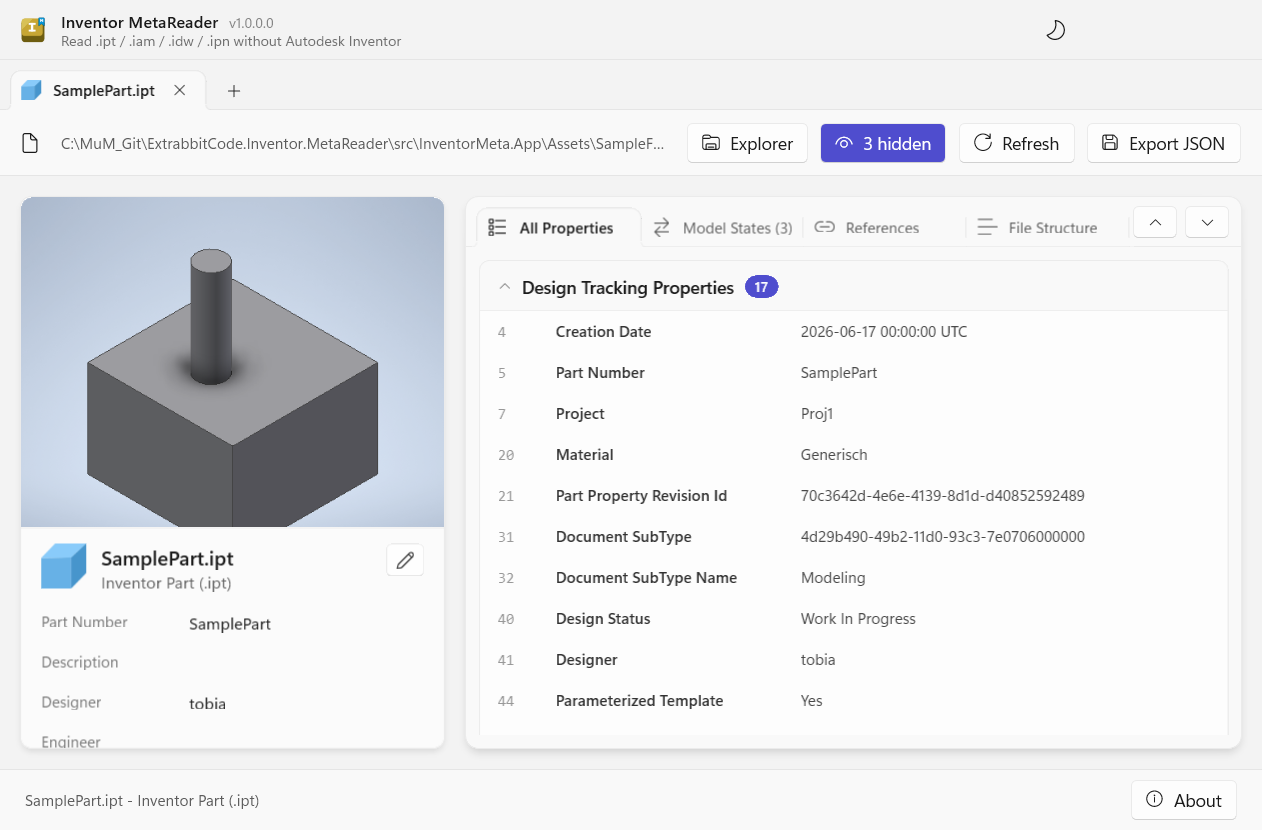
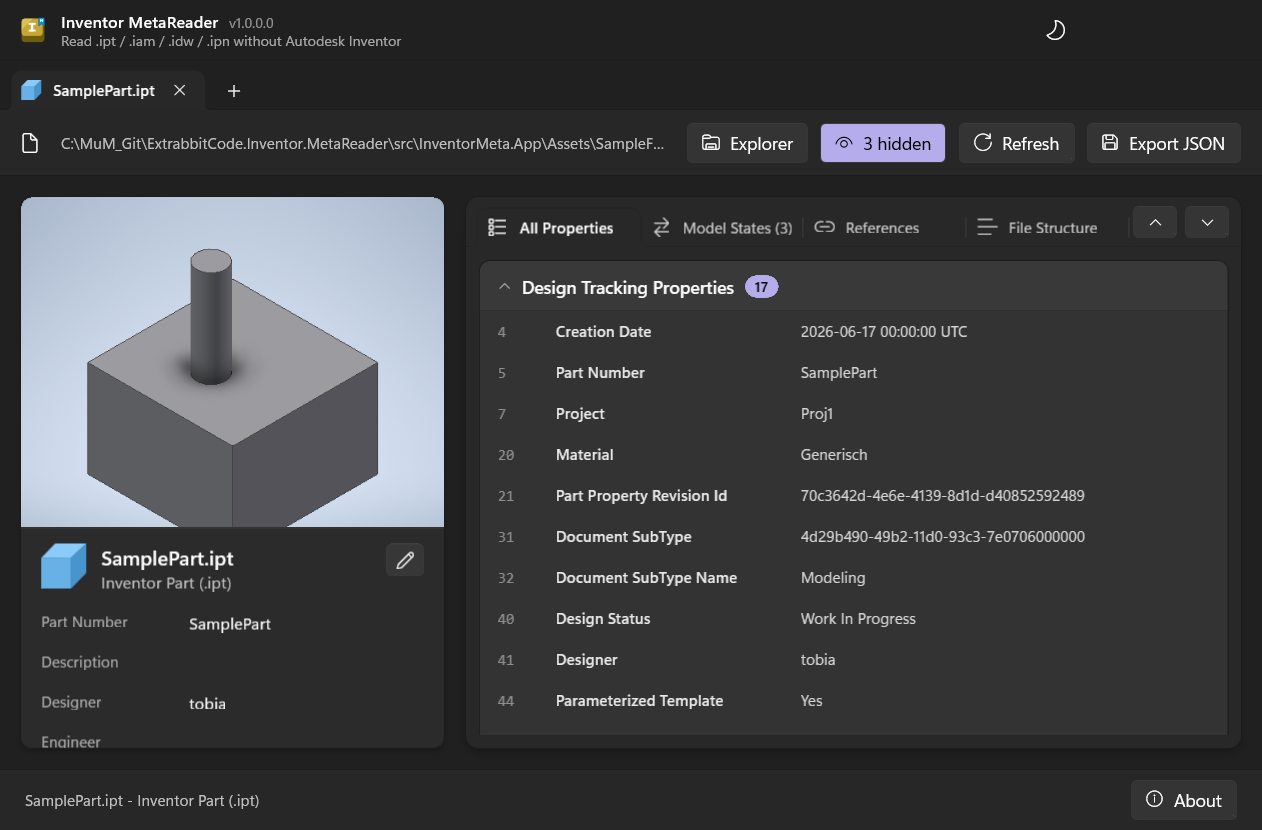
As soon as a file opens, you immediately see:
- The preview thumbnail and document type.
- The key iProperties - Part Number, Designer, Material, Project, Status, and the rest.
- Every property in the file, neatly grouped.
- The other files it references (an assembly's parts, or a drawing's model).
- For multi-state parts, each model state's properties side by side.
That's it - no setup, no Inventor.
Who it's for
- Anyone who receives Inventor files and wants to check what's inside without firing up Inventor.
- CAD/PDM admins auditing part numbers, materials, revisions or "Last Updated With" across many files.
- Developers who want to read Inventor and STEP metadata from their own apps - there's a small, dependency-free library and a command-line tool too.
Want to build it yourself, or run the cross-platform command-line tool? See Command line and For developers. The viewer is Windows-only; the library and CLI are cross-platform.
Explore
The viewer
A tour of the window and what every panel shows.
3D viewer
Spin the model in 3D - generated with Inventor, then cached.
Model states
Compare each model state's properties at a glance.
References
See the files a document depends on, as a graph.
Damaged files
Diagnose - and repair - files Inventor won't open.
Command line
Read files or export JSON from a script.
How it works
Why no Inventor install is needed.
For developers
Use the library and CLI in your own tools.