File Structure & Export
Inspect the raw internal layout of an Inventor file, and export all of its metadata to JSON.
File Structure tab
Inventor files are containers - a little filesystem of "storages" (folders) and "streams" (files) inside one document. The File Structure tab shows that raw tree: every storage and stream, with its type and size.
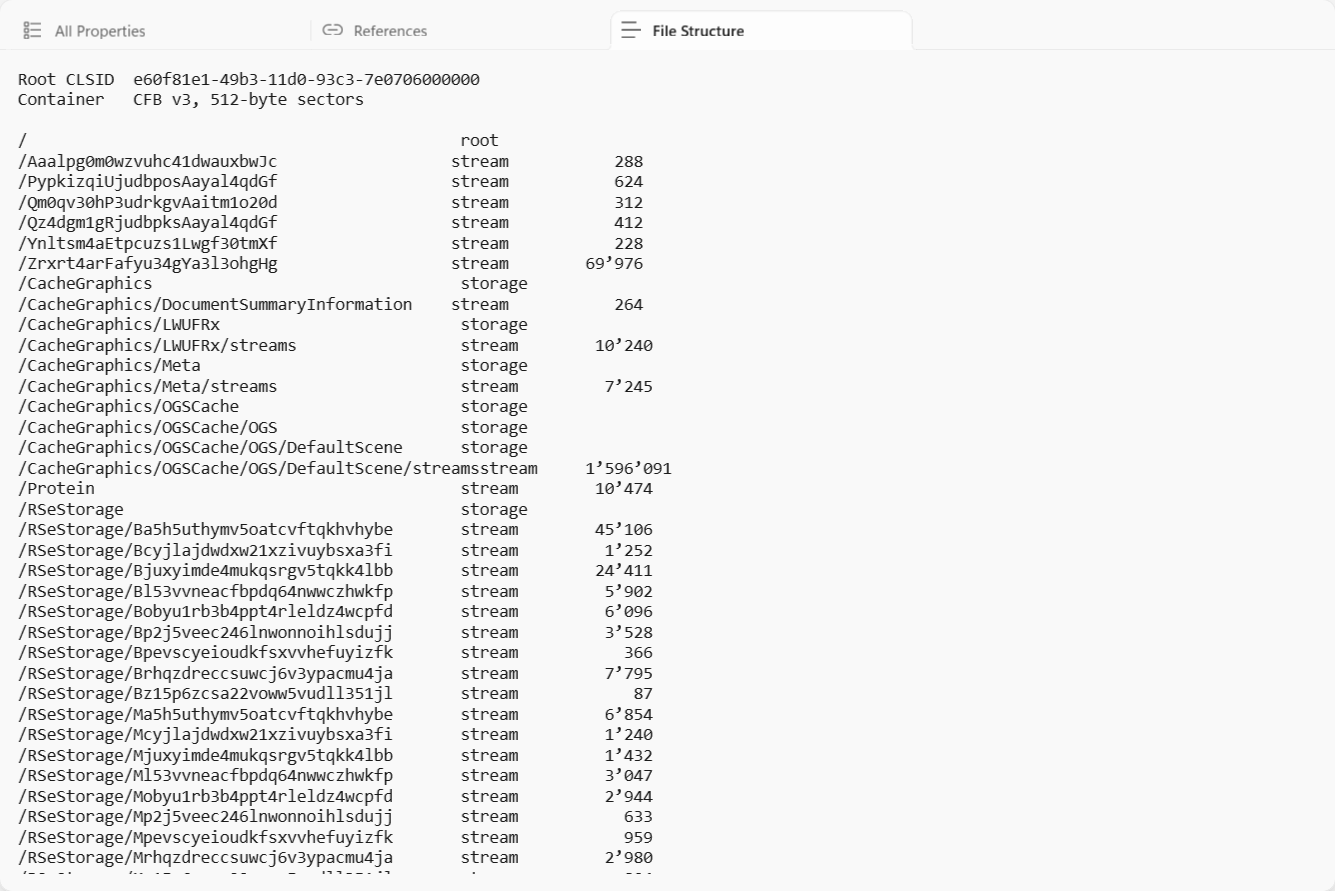
You mostly won't need this, which is why the tab is hidden by default - reveal it from the N hidden button, or right-click a tab to manage which tabs show. It's there when you're curious about how a file is built, or verifying that something (a thumbnail, a referenced-file cache) is present. For the meaning of these names, see How it works.
Export JSON
The Export JSON button (top-right of any open document) writes all of the metadata MetaReader
read - document type, every property grouped by set, model states, references and provenance - to a
single .json file.
That makes it easy to:
- Feed Inventor metadata into a spreadsheet, database or PDM system.
- Diff two files, or track how a file's properties change over time.
- Hand the data to a script without writing any code against the file format.
For reading many files unattended, the command-line tool prints the same JSON to standard output.